The All-in-One AI Video Generator for Video, Image, and Audio
Write a prompt and get a clip, animate a photo, restyle footage, or generate a voice and a song, all in one AI video generator. No switching tools, no four subscriptions.
- Free credits on signup
- No credit card to start
- No watermark
Two Ways to Use the All-in-One AI Video Generator
One generator at a time, or several chained together. Same models, same credits, same library — pick whichever matches the job in front of you.
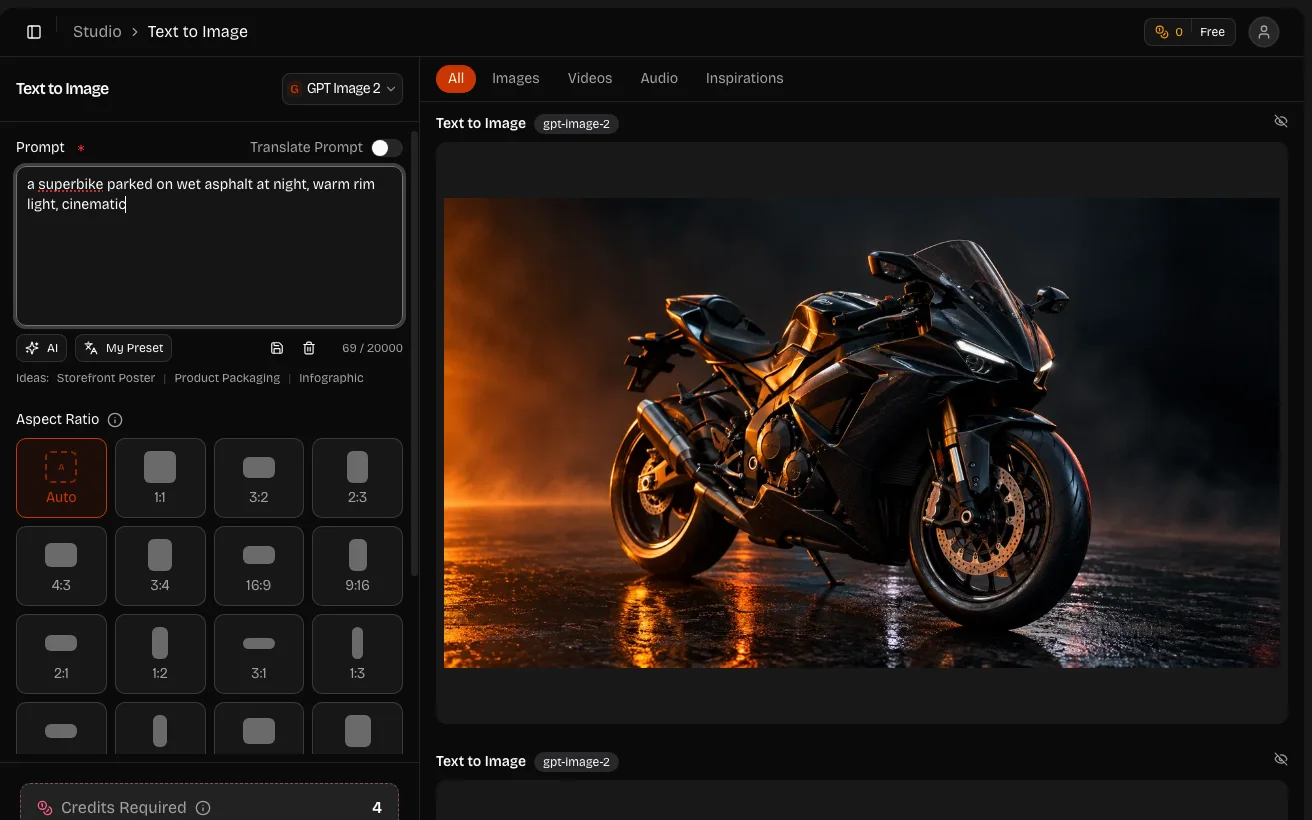
Studio — One Focused Page per Generator
Every generator gets its own page with only the controls that job needs. Text to video asks for a prompt, a length, and an aspect ratio. Nothing else competes for the screen.
- A page per generator — one per format, each with the models suited to it
- Full history — every result kept next to the settings that produced it
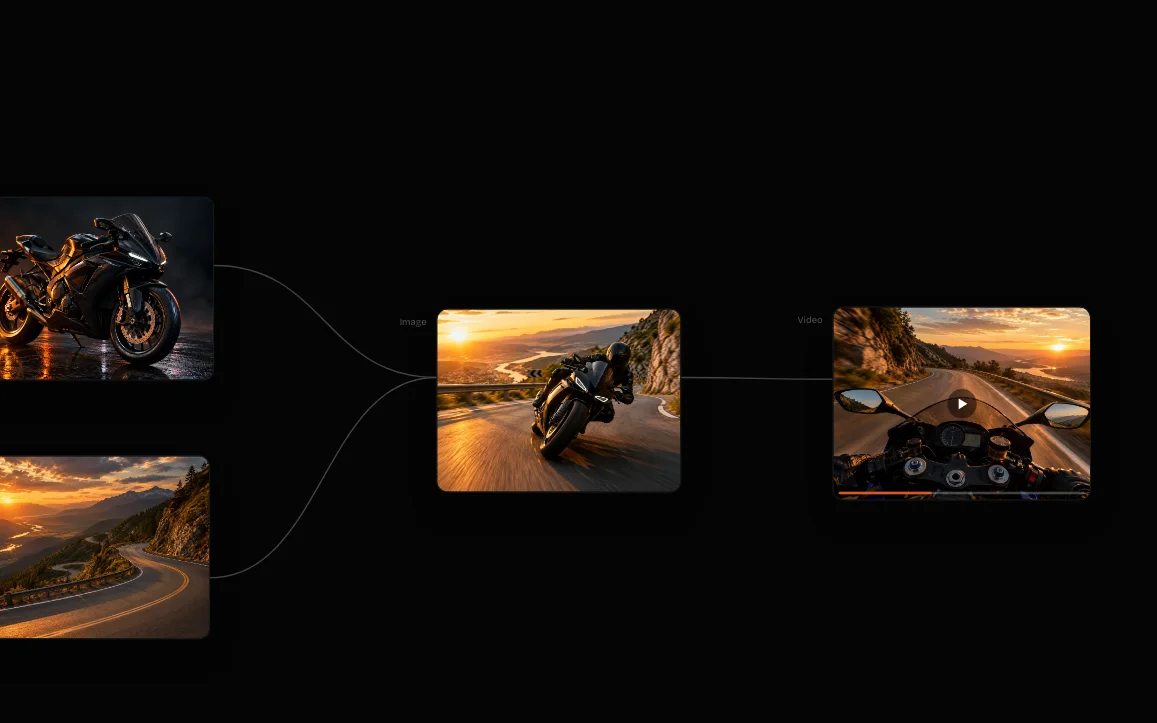
Workflow — Chain Generators on a Canvas
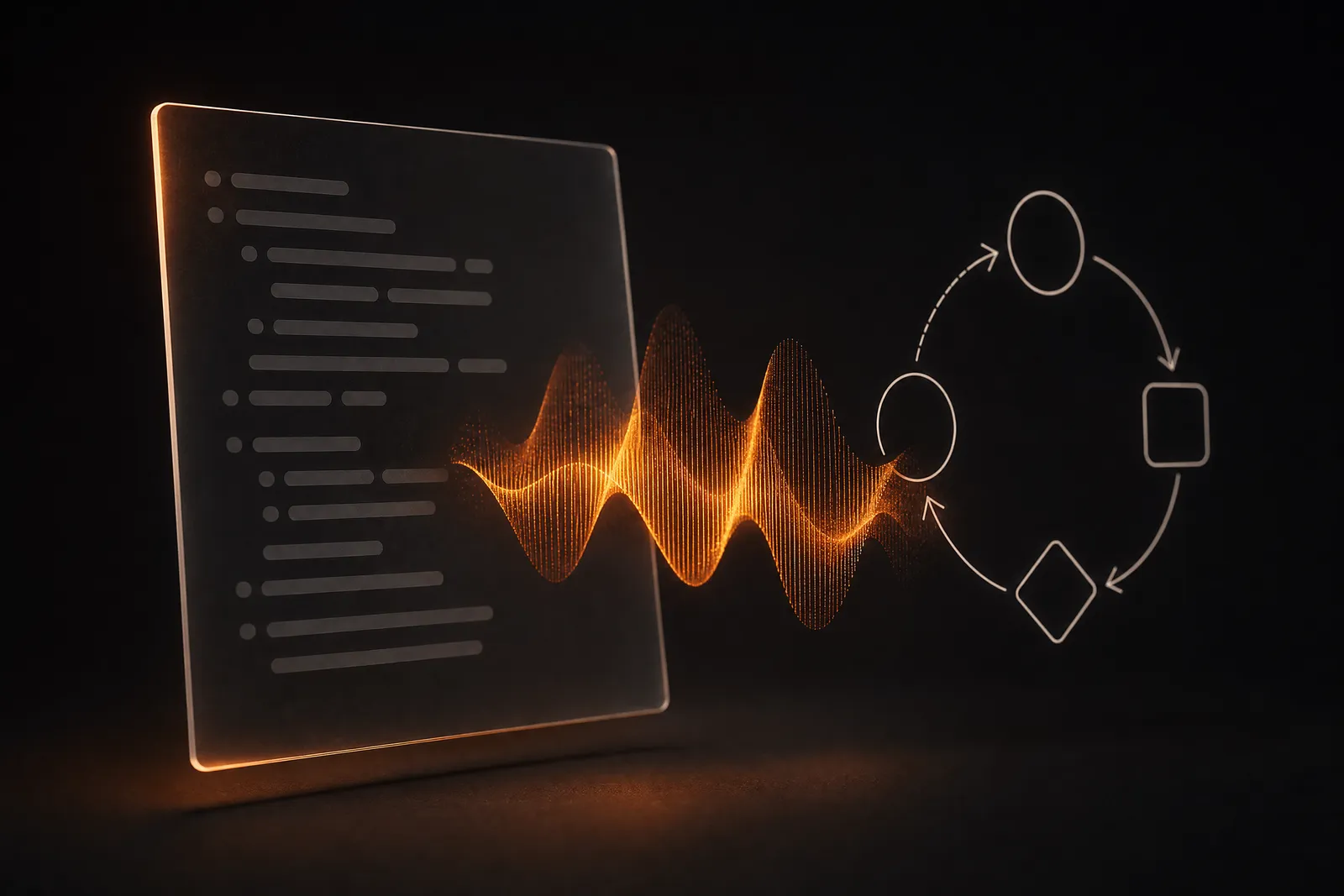
Workflow is a node canvas. Generate a still, feed it into image to video, restyle that clip, and attach a voice track — one saved graph. A single-format tool can't chain that.
- Multi-step runs — each output feeds the next node without a manual download
- The process is the record — the canvas is saved, and every generation stays attached to it — so a finished piece shows exactly which steps and settings made it
- Reusable graphs — swap the input and run the whole chain again
Why an All-in-One AI Video Generator Beats Four Separate Tools
Almost no project is only one format. A short video wants a script read aloud, a thumbnail, a background track, and a clean audio bed underneath.
- 3
- Media types covered
- One
- Credit balance
- None
- Watermarks
- 30-60s
- Typical video render
Four Sites Become One Tab
Spreading one video across four different sites means four logins, four billing cycles, and four places your files end up. An all-in-one AI video generator collapses all of it into a single tab.
Top Up Once, Use It on Any Format
Credits you topped up for video work just as well on an image, a voiceover, or a transcript, so you never end up with an unused allowance stranded on one site while you pay to top up another.
Formats Hand Off to Each Other
A clip you generated is already in your library when you go to restyle it, and this morning's still is one click from being animated. That handoff is the whole point of an all-in-one AI video generator.
What This AI Video Generator Makes
Video, image, and audio, all on one credit balance. Pick the family that matches what you are starting from.
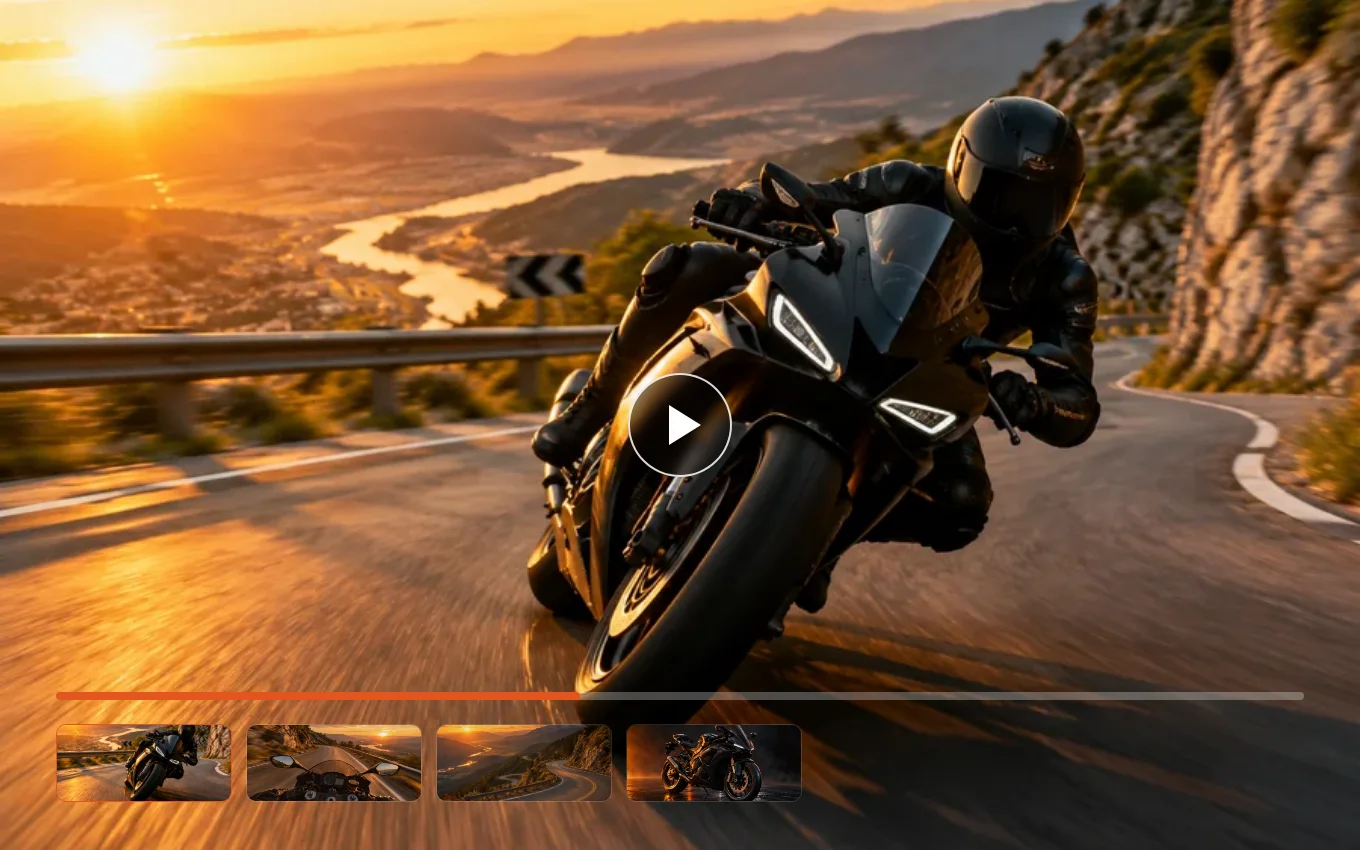
Video From Text, a Photo, or Footage
Describe a shot and get a clip back. Animate a still you already have, restyle footage you filmed, or hold one character steady across a whole series.
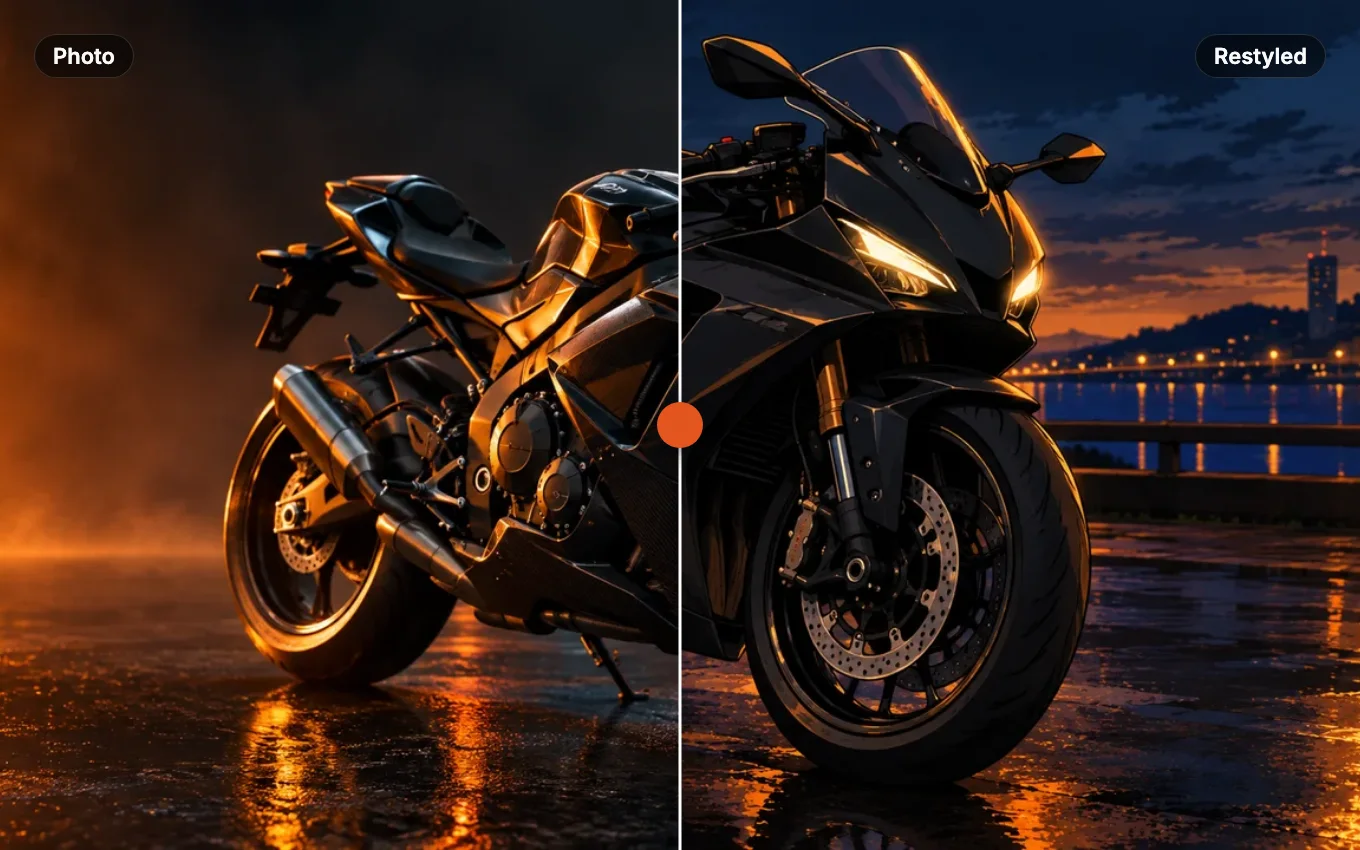
Stills You Can Make and Rework
Turn a written description into a finished still in whatever style you name, or restyle, extend, and edit an image you upload instead of starting over.
Voice, Music, and Clean Sound
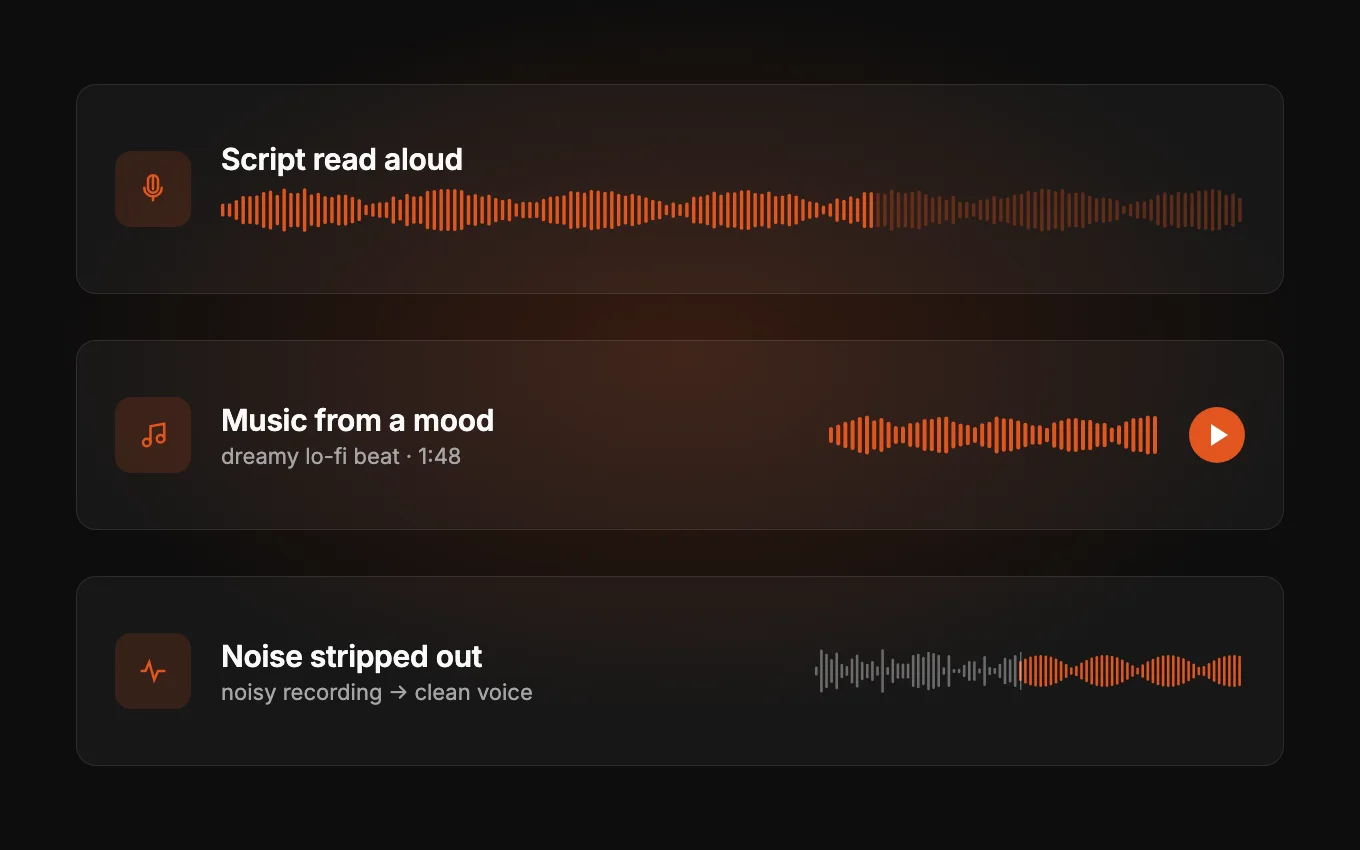
Read a script aloud in a voice you choose, write down a mood and get a track back, transcribe a recording, or strip the noise off one you already have.
How to Use the All-in-One AI Video Generator
Every generator here works the same way. Four steps, and the first runs come out of your signup credits.
 01
01Choose Studio or Workflow
Go with how you like to work. Studio gives every generator its own focused page for one result at a time. Workflow chains generators on a canvas, so each output feeds the next step.
 02
02Pick the AI Video Generator That Matches Your Input
Start from your input, not from a model name. An idea in your head means text to video or text to image. A photo means image to video. A recording means transcription. In Workflow, the same generators are nodes you drop onto the canvas.
 03
03Describe It, Upload It, or Both
Write what you want in plain language and set the few options that matter — length, shape, voice, style. Some generators take a file instead of a prompt, and several take both so your upload steers the result.
 04
04Generate, Review, Download
Video usually lands in 30 to 60 seconds; images and audio come back faster. Everything is saved with the settings that made it, so a good result is easy to reproduce.
Who an All-in-One AI Video Generator Is For
The people who notice the difference are the ones shipping in more than one format at a time, where one tool instead of several saves a switch on every single asset.
Short-Form Creators Posting Daily
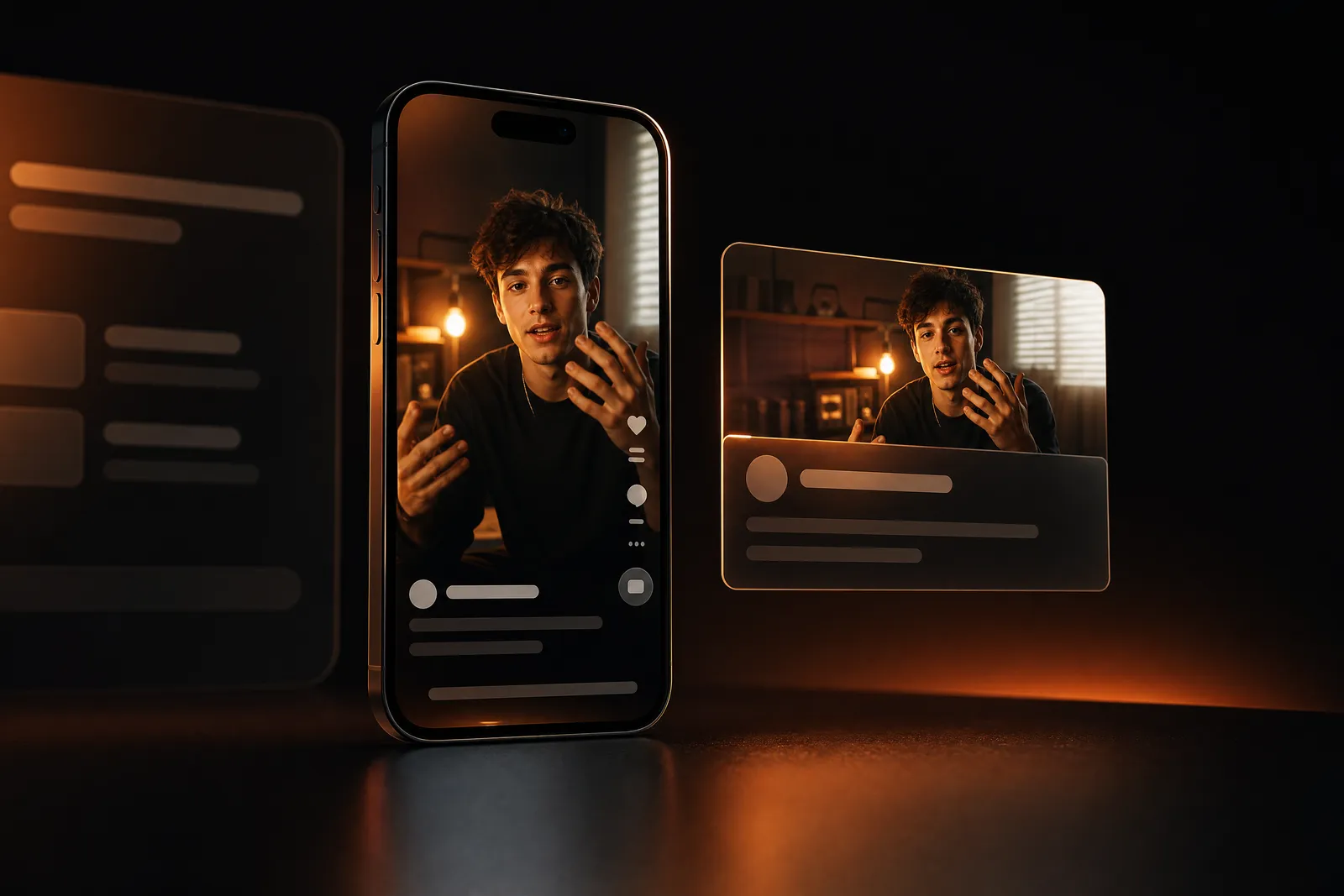
A posting schedule eats footage faster than anyone can shoot it. Generate the clip, generate the thumbnail, generate the voiceover, and clean the audio on the one you did record — in a single sitting, from one balance.
- Vertical or wide — pick the shape each platform wants
- Several takes — run one idea a few times and keep the best
Ecommerce and Product Marketing
Show a product moving without booking a studio. Generate the still, animate it, and swap the backdrop for a seasonal campaign — then do the next twelve SKUs the same way instead of rescheduling a shoot.
- Consistent look — reuse one reference so a catalogue matches
- Test cheap, render well — check the framing on a fast model before spending on the final

Course and Explainer Makers
A lesson is script, narration, visuals, and a music bed. Write it, have it read aloud in a voice that suits the subject, illustrate the tricky parts, and transcribe the recorded segments into captions — without leaving the tab.
- Captions from audio — transcription turns a recording into timed text
- One voice throughout — keep the same narrator across a whole series
Agencies Pitching on a Deadline
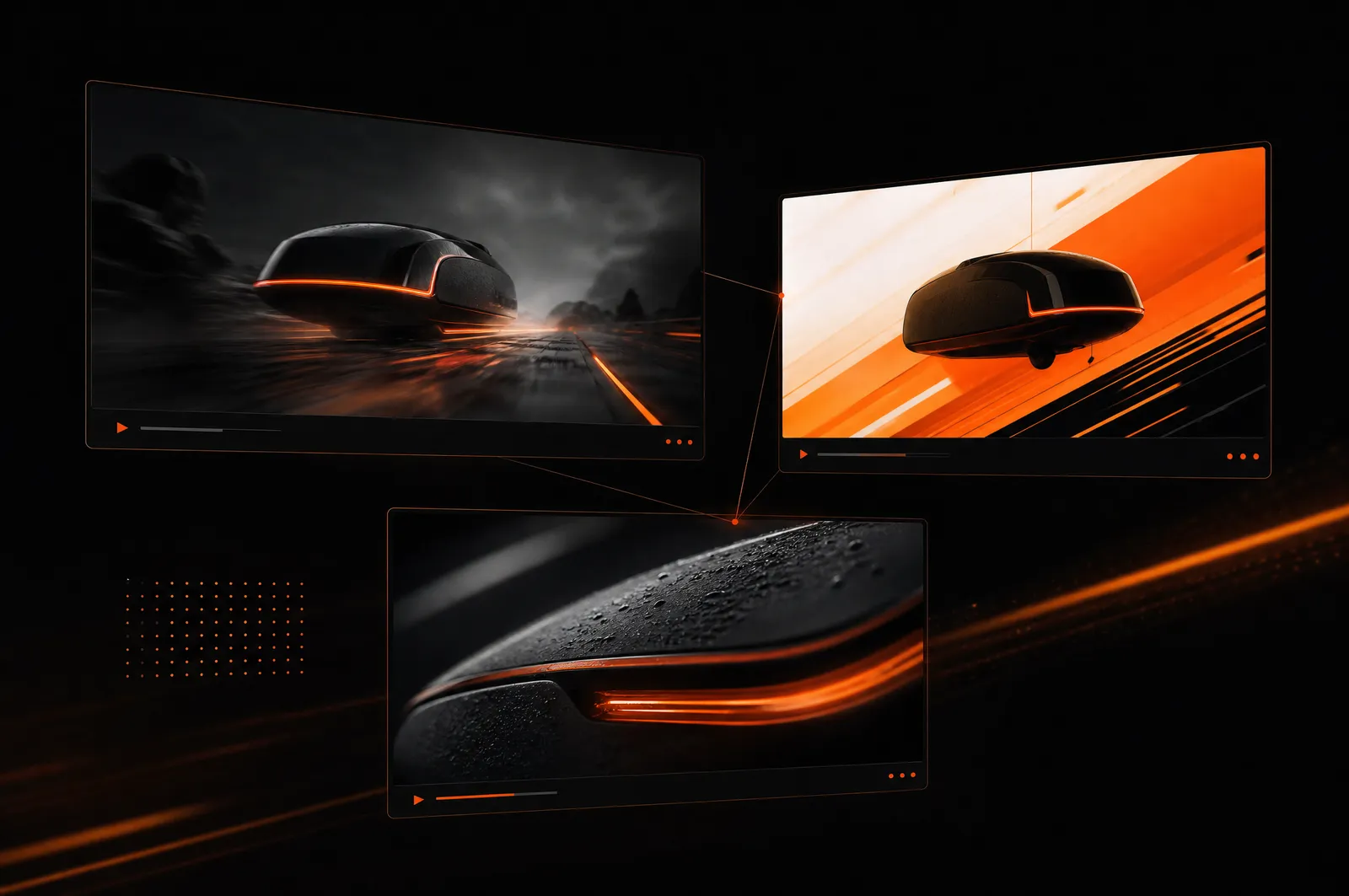
Pitching means showing, fast, before anyone has approved a budget. Build a look, put it in motion, drop a track under it, and take a real cut into the meeting instead of a mood board and a promise.
- Concepts in an afternoon — three directions instead of one safe one
- One bill — no per-tool subscriptions to expense per project
Why Pick This All-in-One AI Video Generator
What actually changes when one tool replaces four separate subscriptions.
One Balance Across Every Format
Credits spend the same on a video, an image, a voice track, or a transcript. Nothing is stranded in the wrong account.
Many Video Models, One Login
Try the same idea across several models and keep whichever one landed. They all run from the same box, with no separate signup for each.
Results Stay Together
Everything you make lands in one library, so the output of one generator is the input of the next without a download-and-reupload detour.
No Watermark
What comes out is what you post. We do not stamp a logo across your work and charge you to remove it later.
A Result You Can Reproduce
Every generation is stored with the prompt, the model, and the settings behind it, so a good one is easy to run again and a near miss is easy to nudge.
Nothing to Install
It runs in the browser on whatever machine you are sitting at. No render node, no GPU, no setup evening.
All-in-One AI Video Generator FAQ
An all-in-one AI video generator is one workspace that makes video, images, and audio instead of a single format. Pick the generator that matches what you have, describe or upload it, and get a finished file back.
New accounts come with free credits, so you can try it before paying. It is not unlimited free — after that you top up or subscribe. No card needed to start.
No. Nothing you generate carries a watermark, at any plan level. What you download is what you publish.
Yes, on any paid plan — the free plan does not include commercial rights. You own what you generate and we take no cut. As with any AI tool, we cannot guarantee an output is free of third-party rights — checking likeness, brand, and character use is on you. See our Terms.
Video usually lands in 30 to 60 seconds depending on the model and the clip length. Images come back faster than that, and transcription is faster still — a minute of audio takes a couple of seconds.
Up to 1080p, with the aspect ratio you choose before generating — vertical for short-form, wide for everything else. Images depend on the model you pick and are set in the generator itself.
No. Everything runs in the browser, including the node canvas. There is no desktop app, no plugin, and no GPU requirement on your side.
Both are the same all-in-one AI video generator behind one login. Studio when you want one focused page for the format you already picked. Workflow when one result has to feed the next. Models, credits, and history are shared.
Ready to Try the All-in-One AI Video Generator?
Pick a format, describe what you want, and watch it render. Video usually takes 30 to 60 seconds, and new accounts start with free credits — no card needed.